

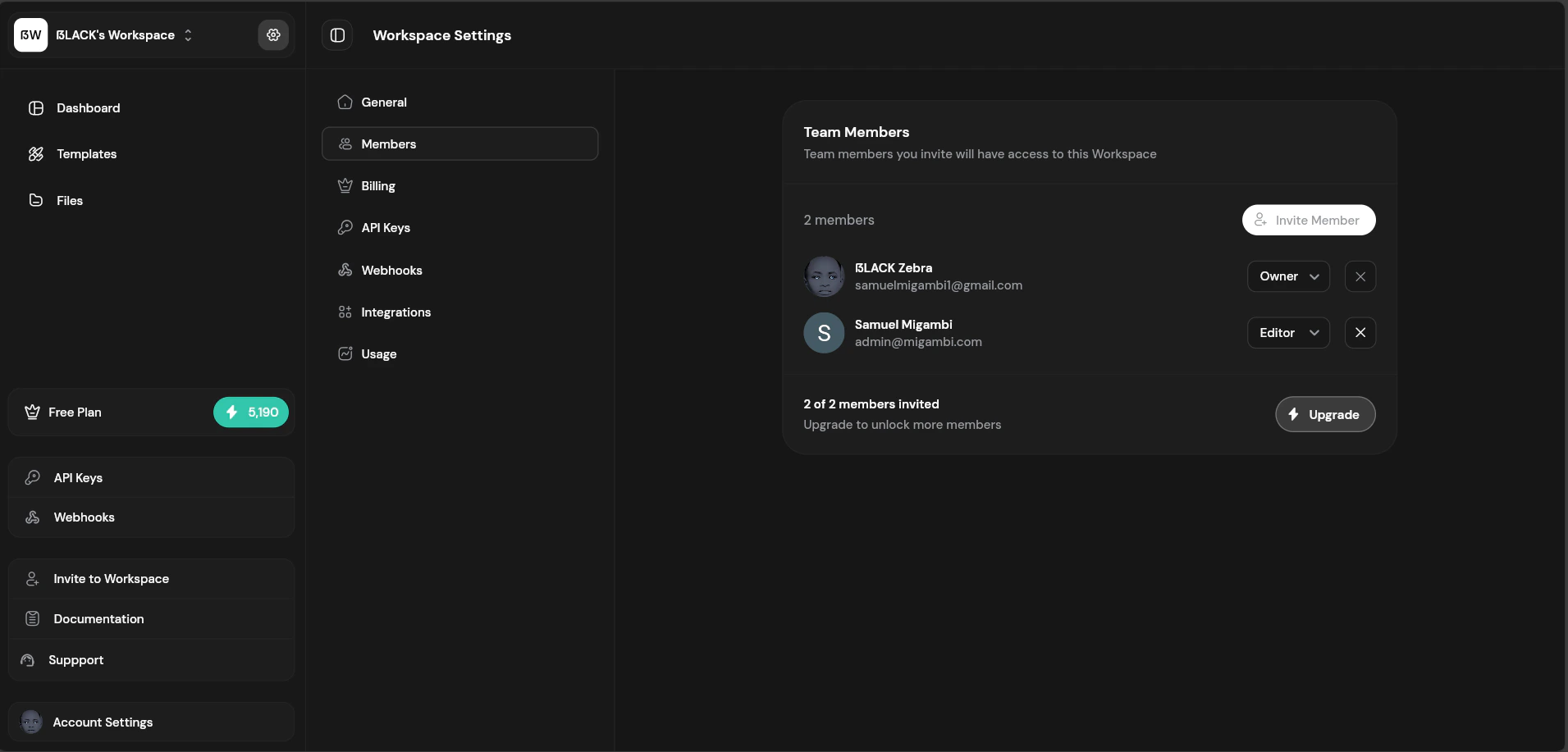
Team members list with roles
Members List
Inviting Members
1
Click Invite
Click “Invite Member” button or use the sidebar shortcut.
2
Enter Email
Enter the email address of the person to invite.
3
Select Role
Choose their role: Editor or Viewer.
4
Send Invitation
Click “Send Invite” to send the invitation email.
Roles and Permissions
Changing Member Roles
Owners can change member roles:- Find the member in the list
- Click the role dropdown
- Select the new role
- Confirm the change
Role changes take effect immediately. The member’s access updates on their next page load.
Removing Members
To remove a member from the workspace:- Find the member in the list
- Click the menu icon (three dots)
- Select “Remove from Workspace”
- Confirm removal
Member Limits
Team size limits are based on your plan:Transferring Ownership
To transfer workspace ownership:- Go to Workspace Settings → Members
- Click on the member to become owner
- Select “Transfer Ownership”
- Confirm the transfer
Best Practices
- Least privilege — Assign the minimum role needed for each member’s tasks
- Review regularly — Periodically audit member access
- Remove promptly — Remove members who no longer need access
- Document ownership — Ensure multiple people can access critical workspaces