

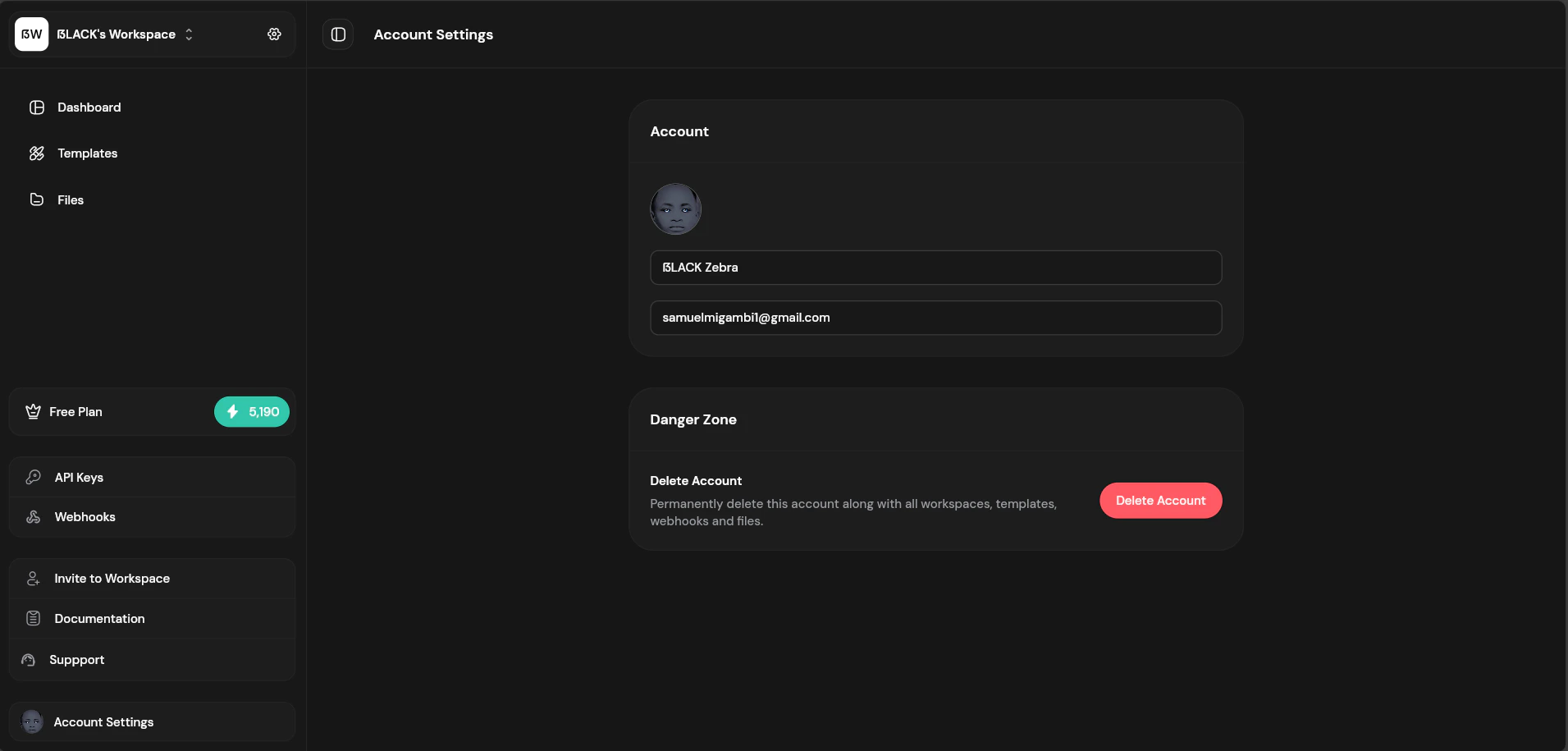
Account settings page
Profile Settings
Update your personal information:Connected Accounts
If you signed up with Google or GitHub, your authentication is managed by that provider. To change your password, use your Google or GitHub account settings.Deleting Your Account
To delete your account:- Go to Account → Delete Account
- Enter your password to confirm
- Acknowledge the consequences
- Click “Delete Account”
- Transfer ownership of any workspaces you want to preserve
- Download any files you need to keep
- Export templates you want to save
Support
Need help? Contact us:- Email: support@fileloom.io